
Menu:
Updates:
December 2015:
Morpheus App gets a brand new UI/p>
March 2015:
Morpheus App published
Feb 2011:
WindyCalcPro App published
June 2010:
WindyCalc App published
WindyCalc

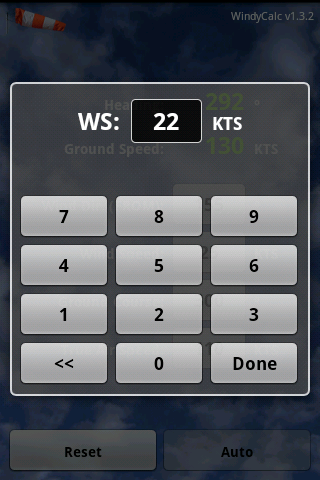
WindyCalc is a wind triangle application for pilots. It uses a simple and easy interface with standard android text and buttons. It is suitable for both small and larger screen devices. Its dedicated keypad to enter values makes it very easy and quick to use.
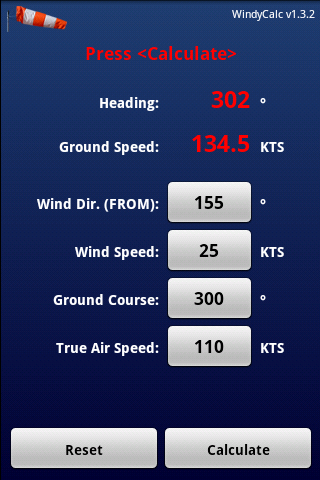
According to the four values entered:
- WD: wind direction (where the wind comes FROM) (°)
- WS: wind speed (KTS)
- TAS: indicated True Air Speed (KTS)
- GC: intended Ground Course (°)
you get the following two results:
- HD: Heading (°) - the true heading you should fly
- GS: resulting Ground Speed
Buy or try the FREE version here:
Features
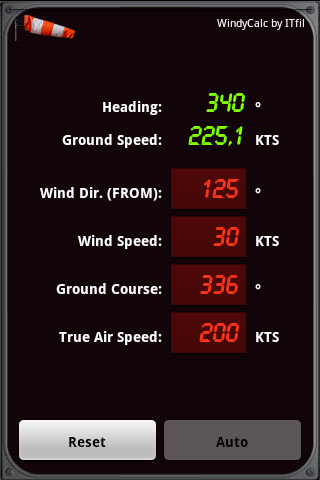
PreferencesWindycalc offers various settings and themes to suit various user preferences:
|
|
|

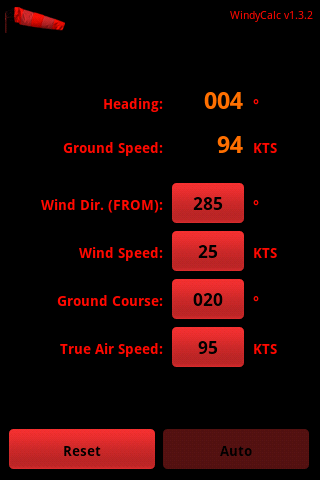
Nightview themeOne of the themes offered is the night view mode, allowing using the application while preserving night vision. Human vision works thanks to two different types of receptors: rods and cones. While the cones are able to see colors, they are less sensitive to light than the rods are. At night, rods allow you to see, and this even better after you adapt to darkness, which takes up to 20 minutes. Rods are less sensitive to red light. This is why dim red lights are used by pilots to read maps, or by atronomers, to preserve their adaptation, and thus their night vision. |
Video
Coming soon...